Integrated Viewer
This guide presents the main tools and features of the Integrated Viewer in LinkFlow Systems, enabling greater control and interaction with platform files.
1. Main Tools
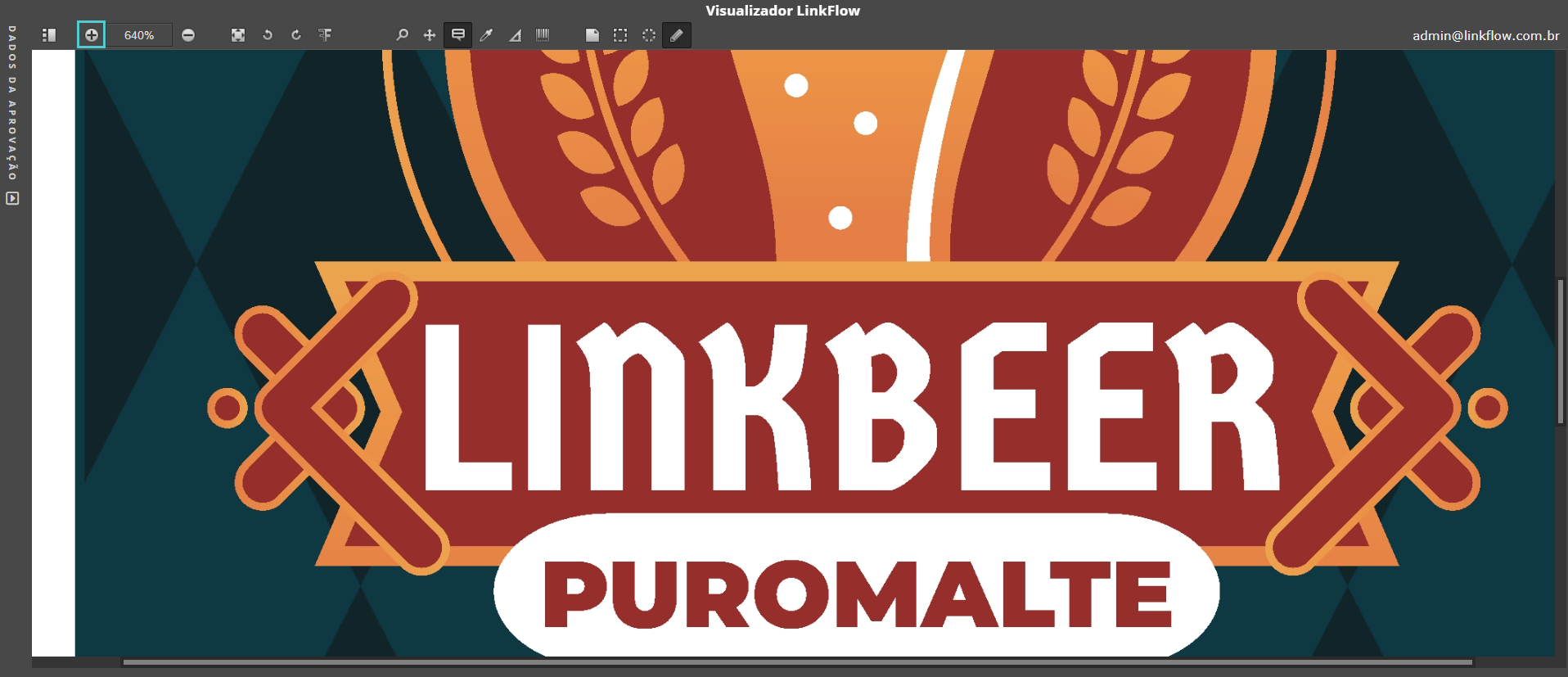
Zoom
- Apply zoom in (+) or zoom out (−)
- Fit the file to the screen
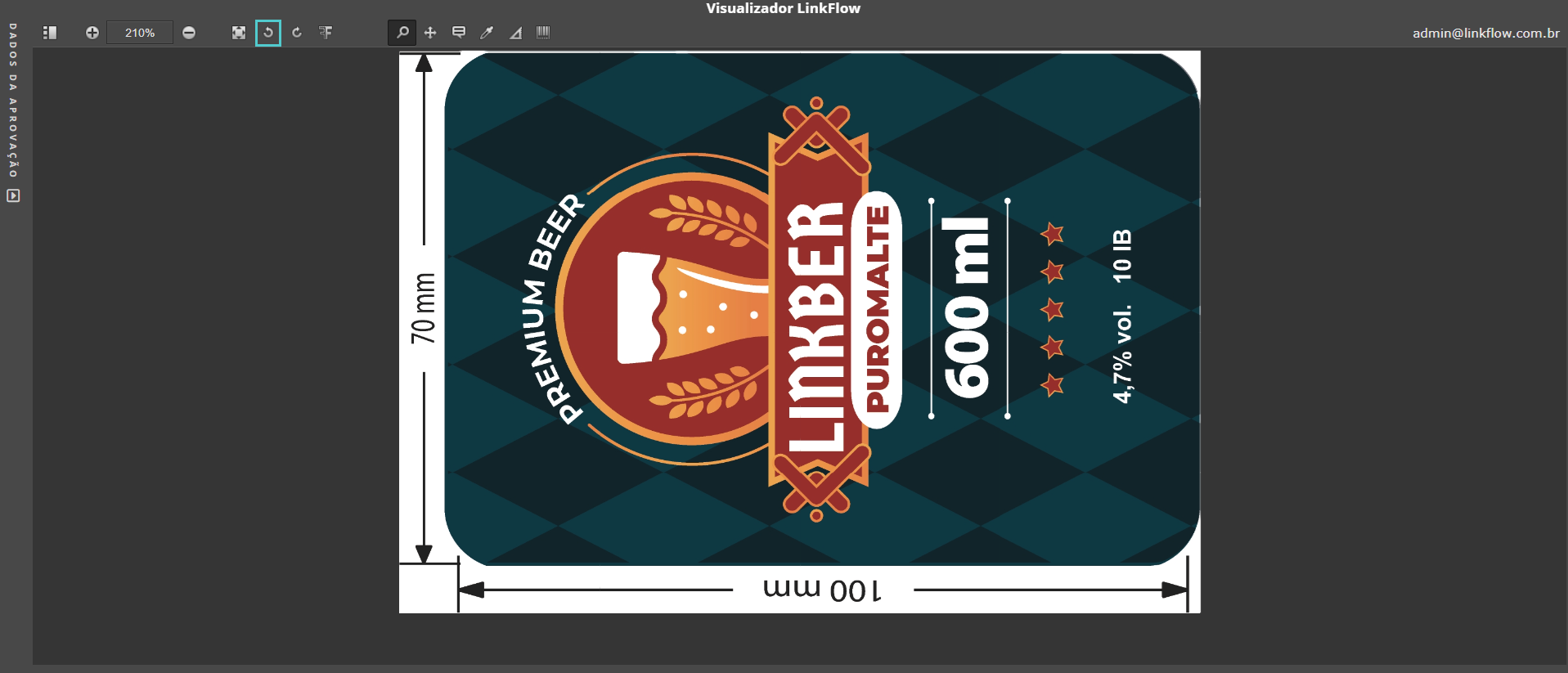
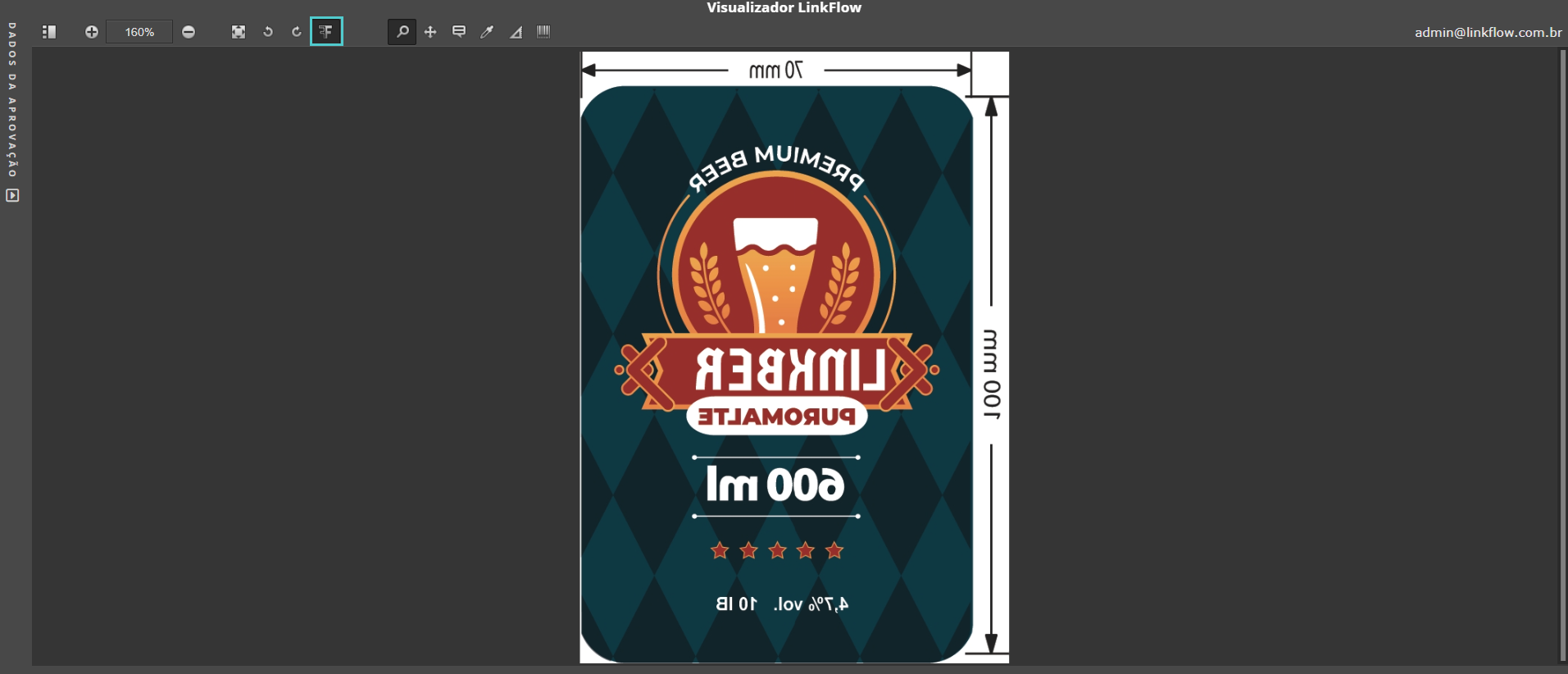
Rotation and Mirroring
- Rotate the file left or right
- Mirror horizontally
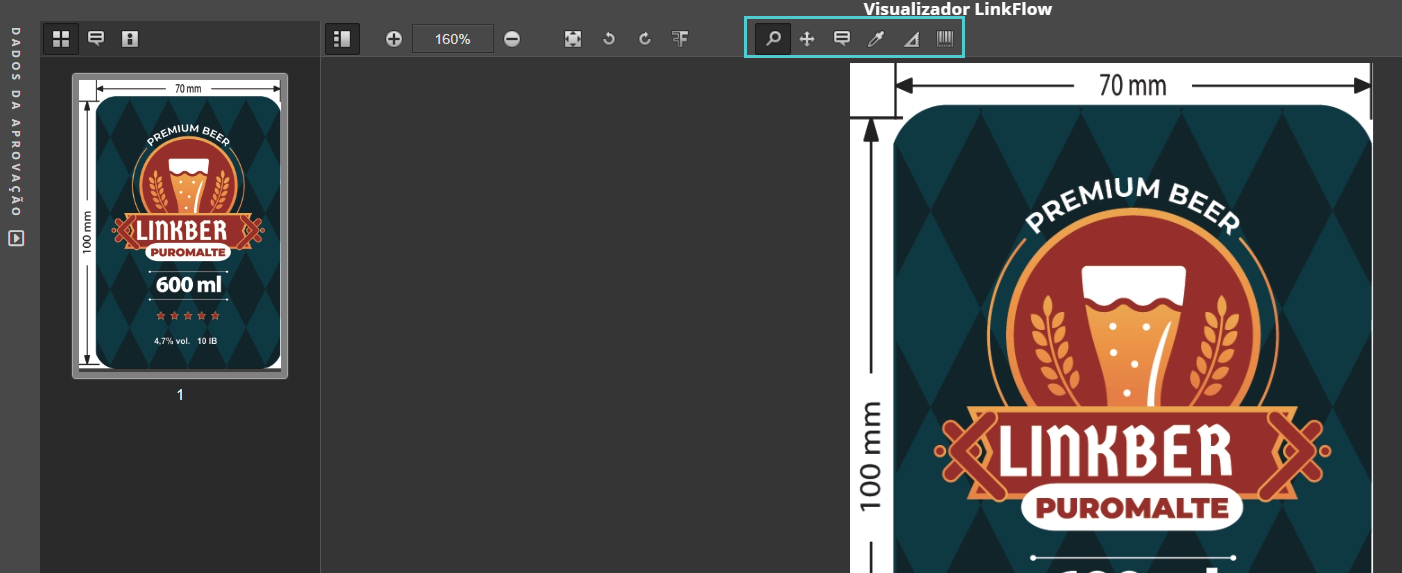
2. Advanced Tools
- Apply zoom to a specific area
- Move the file with zoom applied
- Add notes at correction points
- Inspect colors in specific regions
- Use ruler for measurements
- Barcode and QR code reader
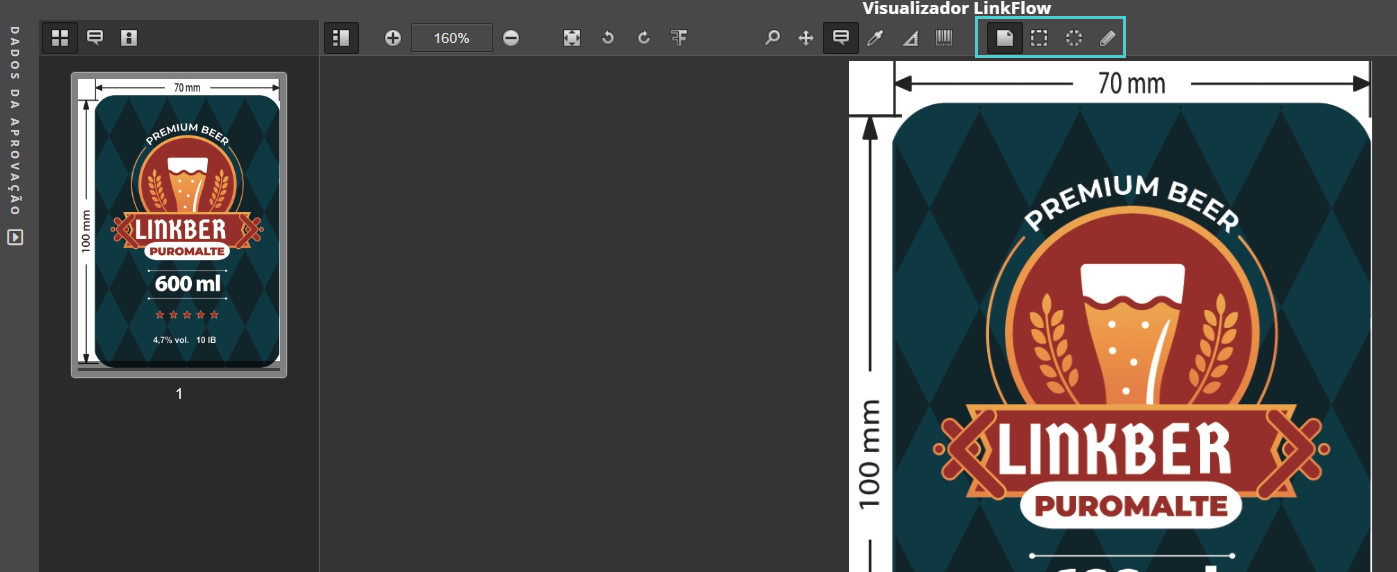
3. Note Types
- Point note
- Rectangular selection note
- Oval selection note
- Free selection note
4. Left Sidebar
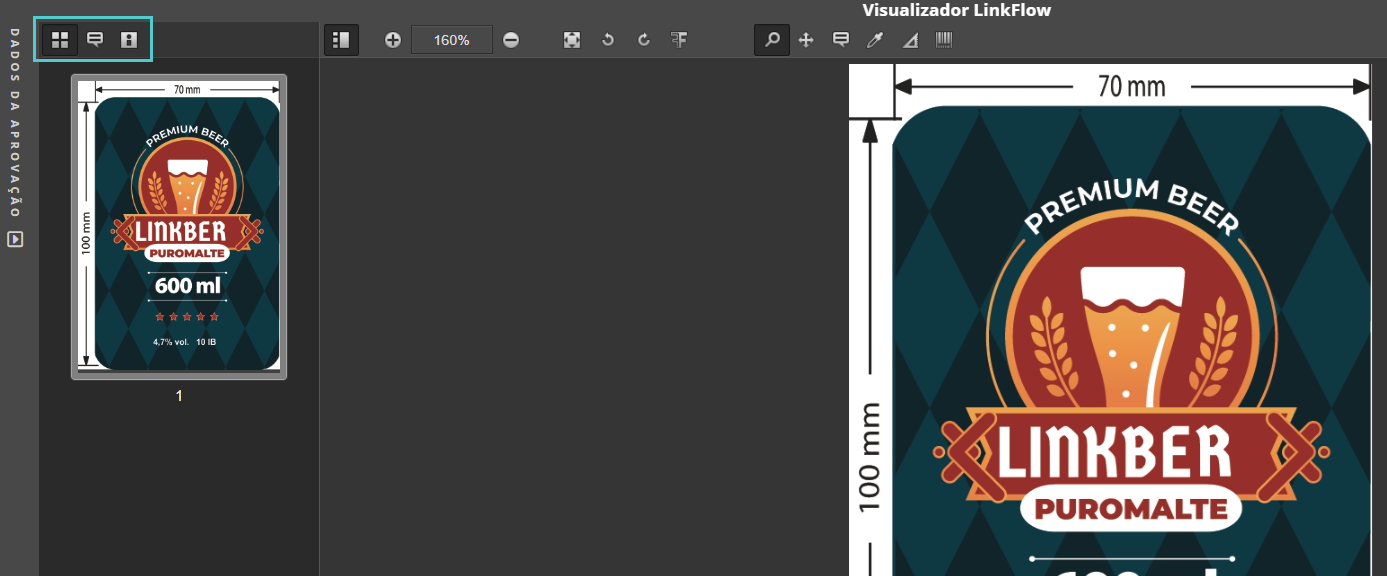
- Navigate between document pages
- View added notes
- Visually separate file colors
Conclusion
With these tools, you can explore documents precisely, make collaborative annotations, and optimize review processes in LinkFlow Systems.
This procedure showed how to use the integrated viewer in LinkFlow. If you have questions, contact support or refer to other system manuals.